
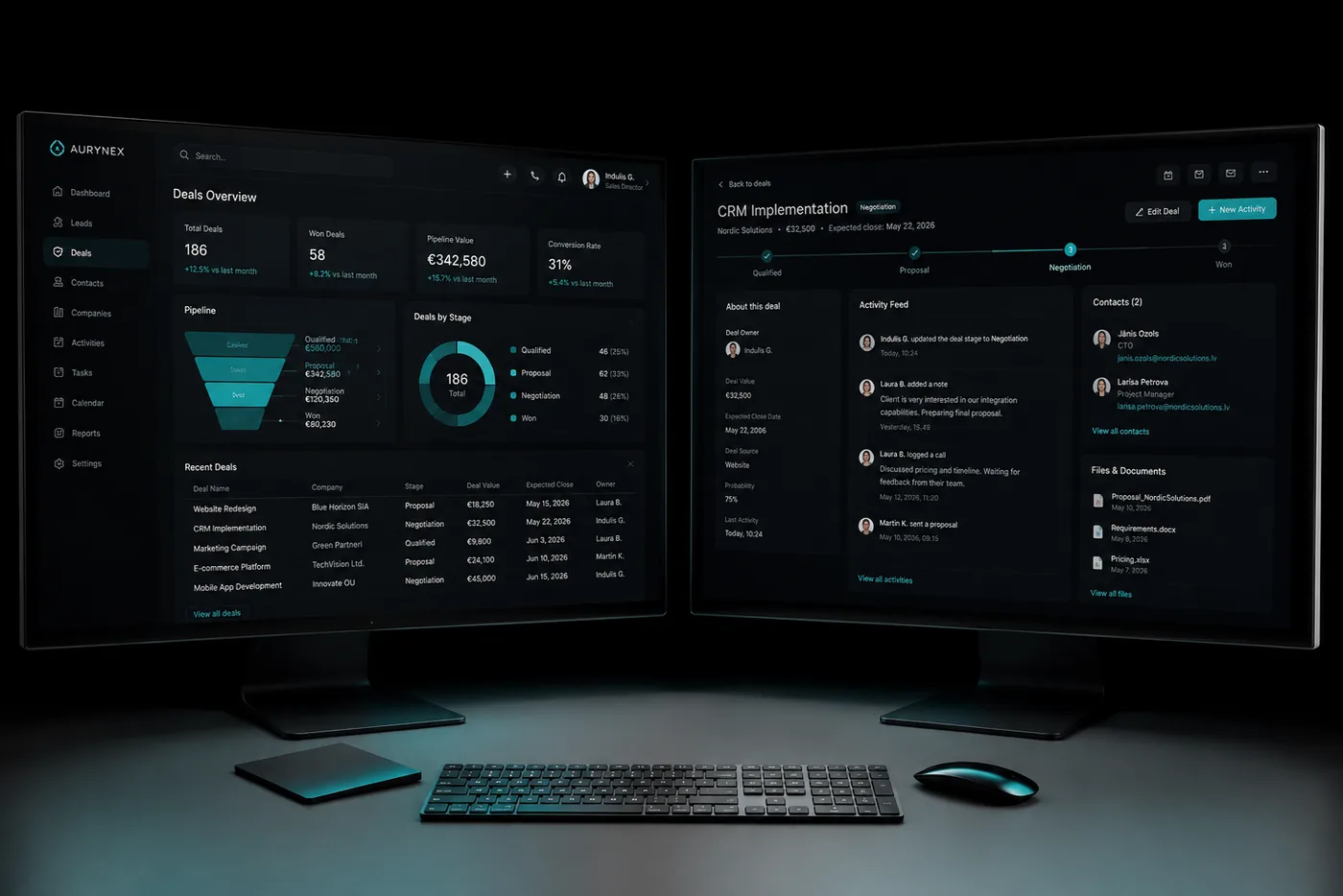
Replacing Salesforce with a custom CRM
- TypeDecision
- Reading time10 min
- Updated2026-08-18
Replacing Salesforce with a custom CRM involves migrating accounts, contacts, opportunities and activity history, rebuilding automation to the new system's model, and cutting over without breaking reporting continuity. The data migration is the predictable part. The work sits in deciding what to rebuild rather than port, and in preserving the history that makes users trust the new system.
Why companies leave
Cost that scales with headcount rather than with value, until licenses decide who gets access.
A process that needs constant configuration work to approximate, and never quite fits.
Paying for a platform when a fraction of it is in use.
Wanting to own the system rather than rent access to it.
What migrates, and what should be rebuilt
Migrate: accounts, contacts, opportunities, activity and email history, attachments, and the custom fields you actually use.
Rebuild rather than port: automation, validation rules and approval flows. Porting these carries years of accumulated workarounds into a clean system. The migration is the one good opportunity to drop them.
Decide deliberately: reports. Most organizations maintain far more reports than anyone reads. Rebuild the ones with an audience.
Cutting over without a reporting gap
Run a full dry migration against real data first, and reconcile record counts and totals before anything goes live.
Keep Salesforce readable for a defined period after cutover. It costs a little and removes almost all of the risk.
Preserve month-over-month reporting continuity across the switch. If management cannot compare this month to last month, the migration will be remembered as a failure whatever the data quality.
Honest timeline
Expect four to eight months end to end: discovery and mapping, build, dry migration, parallel running, then cutover.
Anyone offering a materially faster path is either scoping something smaller than a Salesforce replacement, or planning to discover the difficult parts after you have signed.
Common questions
Typically four to eight months, covering discovery, build, a full dry migration, parallel running and cutover. The build is rarely the long pole: mapping the process accurately and validating the migrated data usually are.
No, unless you choose to leave some behind. Activity and email history migrates. The usual decision is how far back to go, because older history costs more to bring and is worth less once it arrives.
They are rebuilt against the new system. This is often an improvement rather than a cost, because integrations built around a platform's constraints can usually be simplified once those constraints are gone.
For a period, yes, and we usually recommend it. Keeping the old system readable for a defined window after cutover is inexpensive and removes most of the perceived risk.
Read next
Start with the problem, not the software
Tell us what the process looks like today and where it breaks. You will get an honest read on whether it is worth building, what it would take, and roughly what it would cost, in writing, before anyone signs anything.
- Emailinfo@ilgoldberg.com
- Supportsupport@ilgoldberg.com
- Phone+1 (302) 307-3958
- Overlap8am to 12pm ET